
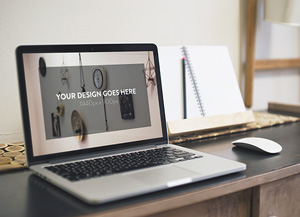
3 Elegant Macbook Pro MockUps
Free
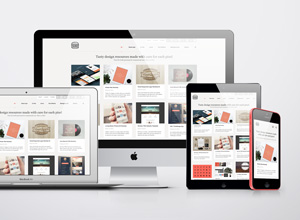
Showcase your new apps and web design projects in a elegant and photorealistic way with these 3 high-resolution Macbook…
Category
Overview & Features
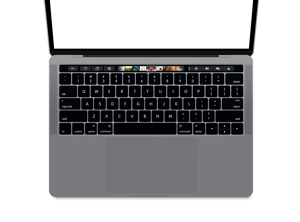
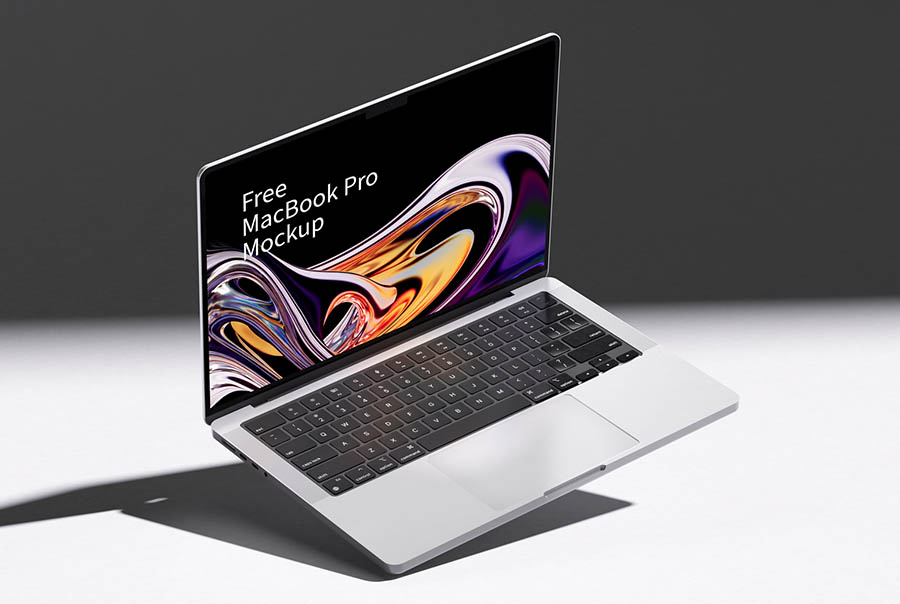
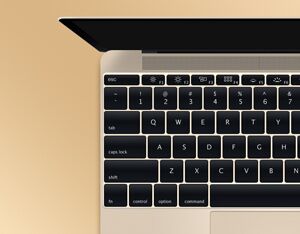
Showcase your new apps and web design projects in a elegant and photorealistic way with these 3 high-resolution Macbook Pro mock-ups. To have your design displayed on the screen of the Macbook, just place it inside the smart object. Big thanks to Zan Ilic for providing us with this awesome freebie. Be sure to check out the full collection of 12 Elegant Apple Device Mockups . Format: Layered PSD Smart Objects: Yes Dimensions: 3600×2400 px Minimum Photoshop Version: CS3 Size: 77.2 Mb Download (201422) 535
This high-resolution mock-ups mockup template is professionally crafted to present your brand identity, packaging designs, and artwork with realistic lighting and texture details. Perfect for client presentations, agency portfolios, and e-commerce listings.
Technical Specifications
| File Format | Layered Photoshop PSD |
| Editability | Smart Object Layers |
| Resolution | 4000 × 3000 px (300 DPI) |
| Color Mode | RGB Color |
| Software Required | Adobe Photoshop CS6 or CC |
| License | Free for Personal & Commercial Use |
How to Edit This PSD Mockup
- 1Download and extract the .zip archive using the download link.
- 2Open the extracted .psd file in Adobe Photoshop CS6 or higher.
- 3Locate the Smart Object layer (labeled "Your Design Here" or "Place Design") in the Layers Panel.
- 4Double-click the Smart Object thumbnail to open the .psb artwork canvas tab.
- 5Paste your graphic, scale to fit, save (Ctrl+S / Cmd+S), and close the tab to update the mockup render.
Free for personal and commercial use. Verify on Graphic Burger →
Need Design Assistance?
Check out our detailed Photoshop Mockup Editing Guide for advanced techniques on adjusting lighting, shadows, and reflections.